Why omnichannel is more than “online + offline” today
Customers today expect maximum flexibility when making a purchase. If a product isn't available in a store, the sale still shouldn't fail. This is exactly where Shopify comes in Unified commerce to: a central system that connects store, warehouse, online shop and checkout. Shopify POS is the key to seamlessly combining online and offline sales and meeting customer expectations.
What does unified commerce mean at Shopify POS?
Unified commerce goes beyond traditional omnichannel retail. While omnichannel often only looks at different sales channels side by side, unified commerce ensures that all systems are connected together. Products, inventories, customer data and the shopping cart are Uniformly managed via online shop and Shopify POS.
For retailers, this means in concrete terms: Brick-and-mortar retail works technically like another sales channel and not like a separate cash register system. In this way, inventories can be managed centrally, prices can be kept consistent and customers can be served without interruptions in the buying process.
Shipping orders with Shopify POS: Here's how it works
Shopify officially names the feature “Shipping orders to customers with Shopify POS.”
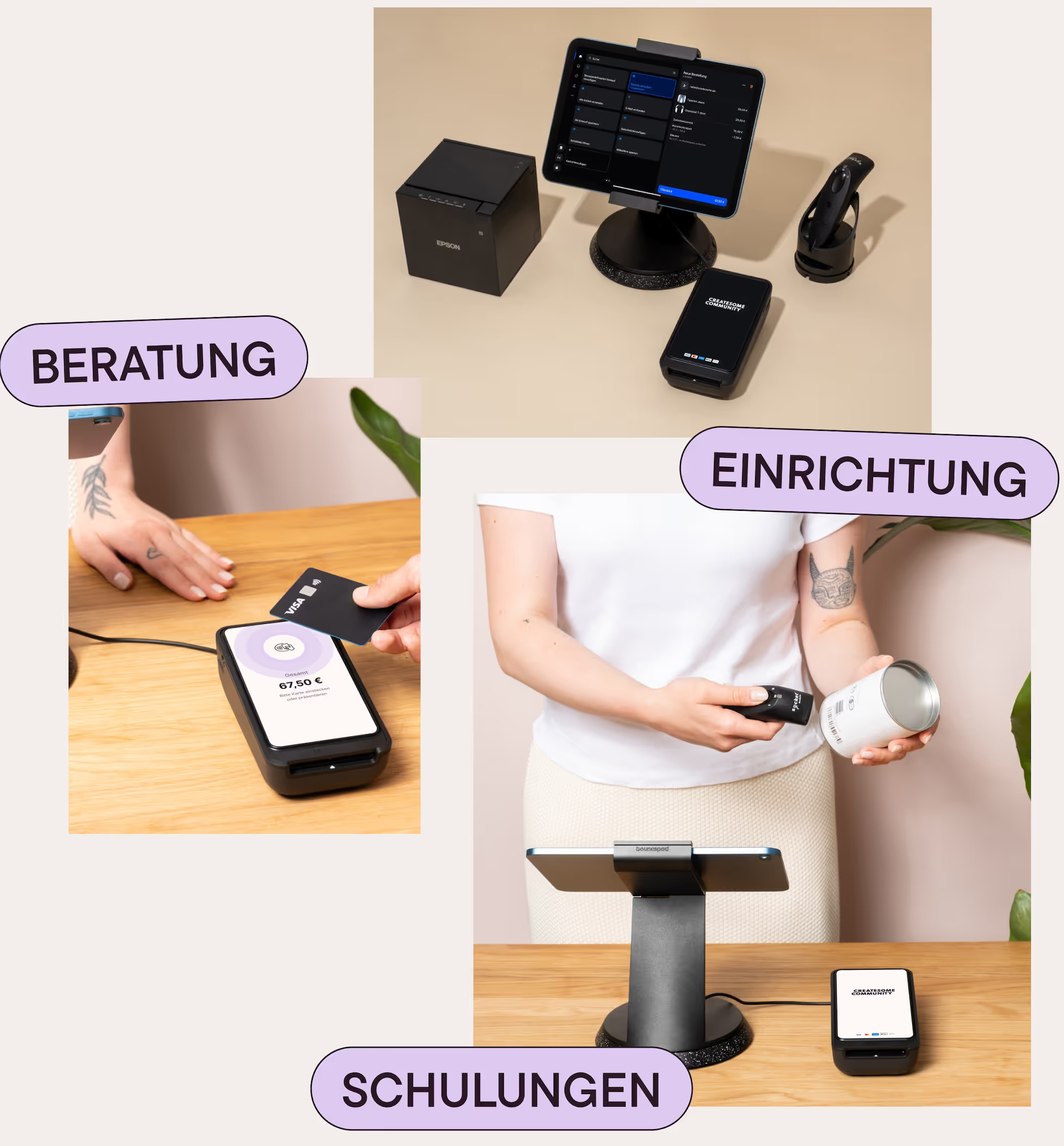
At the checkout, everything is as usual: Products are entered in the POS, the shopping cart is marked as a shipping order, the delivery address is recorded on site in the shop and the customer can pay directly. The order is then automatically assigned to the standard warehouse, created as a shipping order and ends up as an order in the Shopify admin. From there, it can be executed directly or via an ERP system. For the customer, the purchase feels like normal shopping on site — only without a bag.
Typical use cases from practice
Customers on vacation
Not every store needs Shopify POS Pro. For small shops or sole proprietors, the included lite version is often sufficient. This saves you the additional monthly fees per location. However, retailers in the DACH region should comply with the obligation to fiscalization/TSE. Here, the printed document must be adjusted, a feature that is only available in the POS Pro plan.
Item or size not available
Use Shopify Payments to bundle all card providers in one contract. So you only have one bill and can use services such as
Subsequent purchase
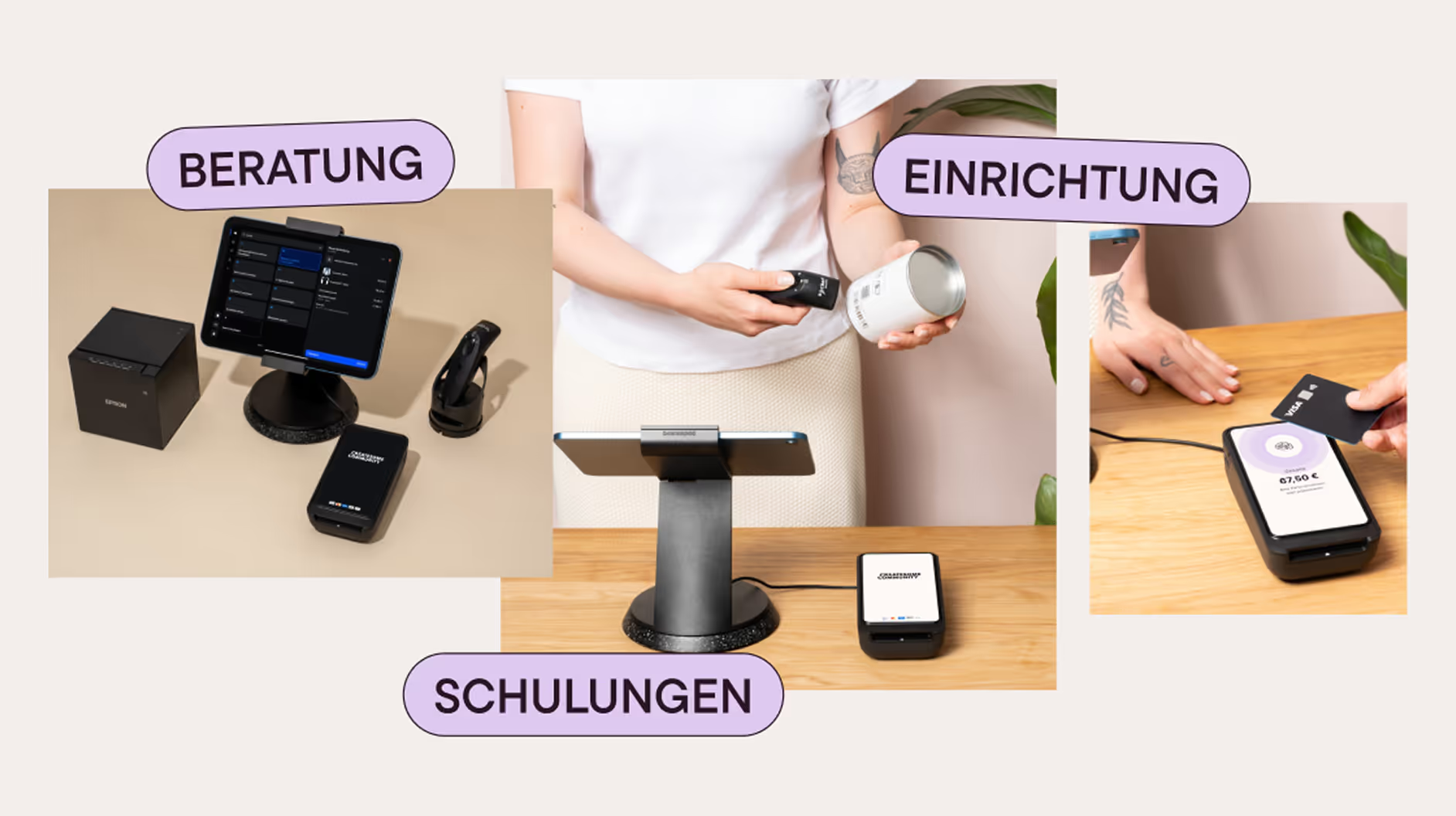
Instead of buying expensive complete sets, it is always important to adapt the setup to the store's requirements. Not every shop necessarily needs an expensive receipt printer. Here, Shopify already offers the option of sending receipts via email or SMS. There are also various card terminals, as a budget version and as a high-end device with an integrated letter display. Plan the Shopify POS hardware costs realistically — especially if you need multiple registers.
The integration of online checkout and Shopify POS ensures that purchase processes are seamlessly intertwined.
The biggest benefits for retailers
Using Shopify POS shipping orders brings measurable benefits for retailers:
- More deals in brick-and-mortar retail and less loss of turnover due to lack of inventory
- Optimized space efficiency in the shop
- Central warehouse is used optimally
- Direct access to availabilities in various locations at the POS
- Uniform processes for payment, shipping, returns, and reporting
In short: Unified Commerce reduces complexity and increases turnover, while Shopify POS serves as the heart of the system.
What customers appreciate about it
For customers, the buying process is much more pleasant: No more explanations, no futile searches on site, no “please order online.” A purchase, an experience — whether in-store or online. The flexibility between online shop and stationary retail meets the expectations of modern customers exactly.
Example of good practice: Viviry
Viviry currently operates 11 local stores with Shopify POS. If a dress is not available in the store in the appropriate size or there is a minor defect in the product, a shipping order is triggered directly in the store. It is then shipped from the central warehouse and the customer receives the desired product conveniently home.
What is technically and organizationally necessary for this
For in-store shipping orders to run smoothly, a correct Shopify POS setup is critical. This includes clean warehouse and location logic, uniform product data, clear processes and trained employees.
This is exactly where we support as Shopify partner agency, so that retailers can take full advantage of unified commerce.
Who is this Shopify POS feature particularly suitable for?
The function is particularly worthwhile for:
- Retail retailers with different product sizes or variants
- Retailers with multiple locations
- Stores with central warehouse
- Brands with a strong online shop
- Shopify Plus and growth-oriented retailers
Conclusion: Shopify POS at the heart of modern omnichannel strategies
Shipping orders from the store are not “nice-to-have,” but a central component of unified commerce. Shopify enables this feature without any additional systems. Merchants who use Shopify POS correctly combine online and offline sales seamlessly and thus gain a clear competitive advantage.
Createsome Recommends
Shopify POS as an omnichannel sales channel
We help Shopify retailers: Really combining online shop and POS — from strategy to setup to employee training.
Sprich mit uns, wenn du Shopify POS nicht nur als Kasse, sondern als Omnichannel sales channel want to use.