Tablet or smartphone as the heart of the Shopify POS checkout
The Shopify POS app runs on iOS and Android and is the central control unit for all checkout processes.
The central control unit of the POS system
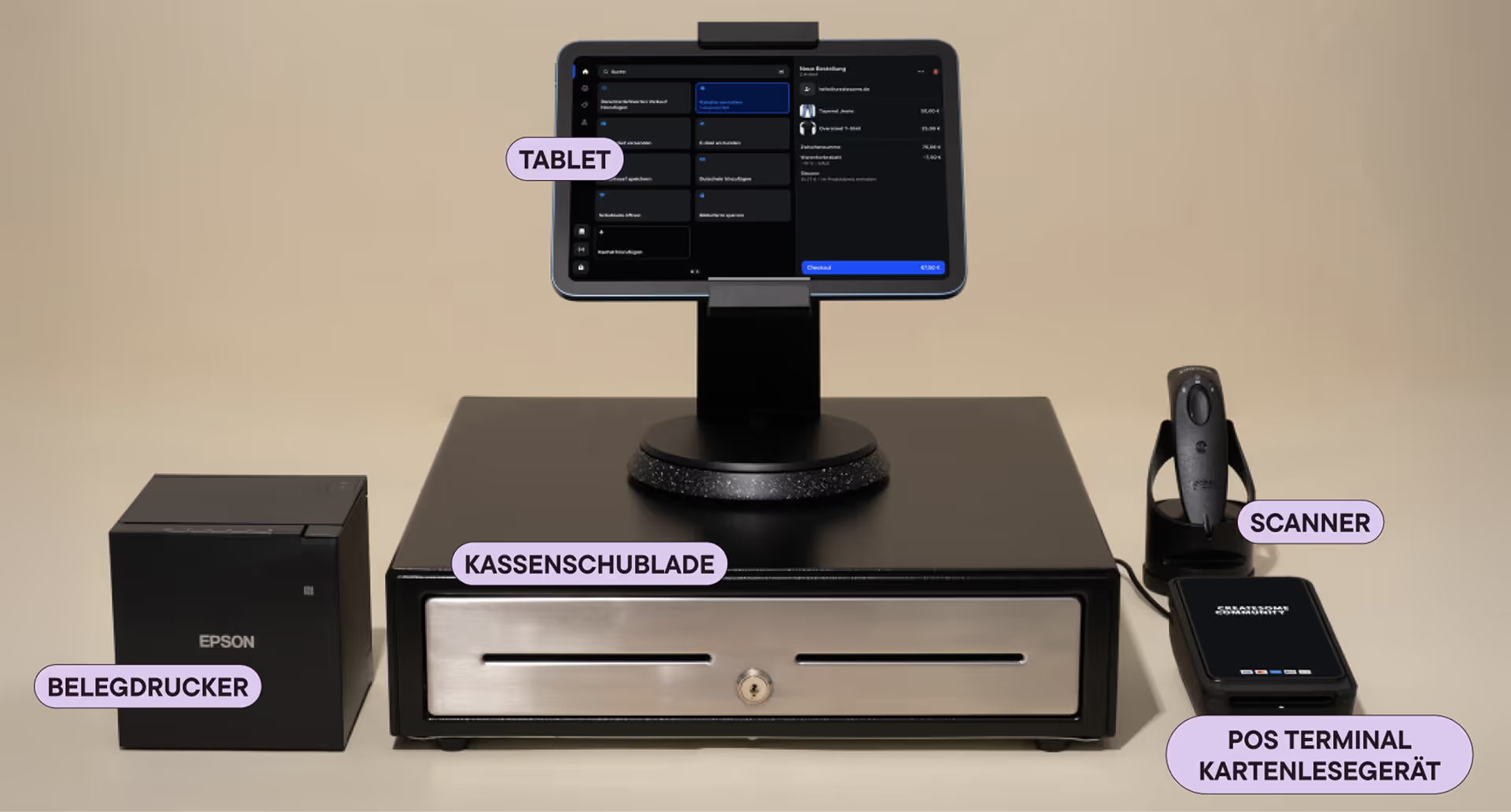
Every Shopify POS environment starts with a tablet or smartphone. The Shopify POS app runs on this device, which controls all processes. The mobile device is therefore the interface between employees, products and all connected devices. It serves as a shopping cart screen, an administration interface and as a starting point for all checkout processes.
Connect to other devices
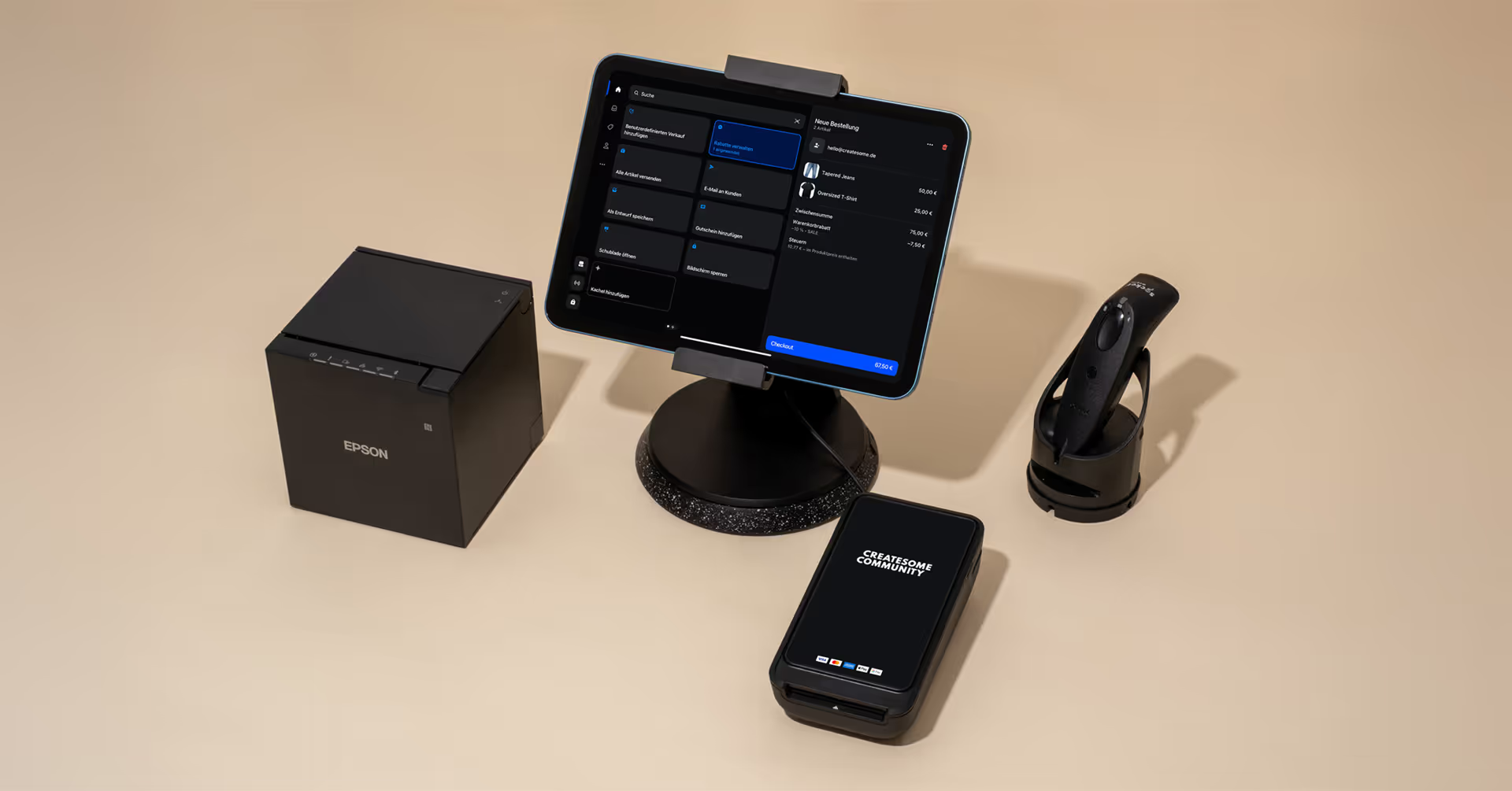
Additional hardware components such as printers, scanners or the terminal are connected via the tablet or smartphone. The POS app recognizes these devices and integrates them into the process as extensions. This creates a modular system that can be flexibly adapted to various requirements.
Smart Grid: The visual control panel of the POS app
The Smart Grid is the interface that controls all actions within the POS app. It consists of tiles that can be freely arranged and assigned functions. This creates an individually adaptable control panel that can be visually and content-adapted to the respective everyday sales routine. A particularly big advantage of the smart grid is its flexibility. Products, categories, promotions, discounts, or workflows can be created as tiles and resorted as required.
Createsome Recommends
Do you want to go live quickly and need someone to set everything up on site?
Request the complete Shopify POS package now.
The Shopify POS terminal
The card reader
The Shopify POS terminal is a standalone device that was developed specifically for the payment process. It shows customers the individual items in the shopping cart, enables card payments and offers the choice between printed and digital receipts. The terminal complements the tablet or smartphone by interacting with the customer.
Synchronization with the POS app
As soon as the terminal is connected to the POS app, it automatically transmits all relevant information. Products, amounts, and document options appear without additional input. As a result, the process remains clearly structured: The mobile device becomes a control center, while the terminal carries out the payment process for the customer.
Compatible scanners with Shopify POS
Recording barcodes in the sales process
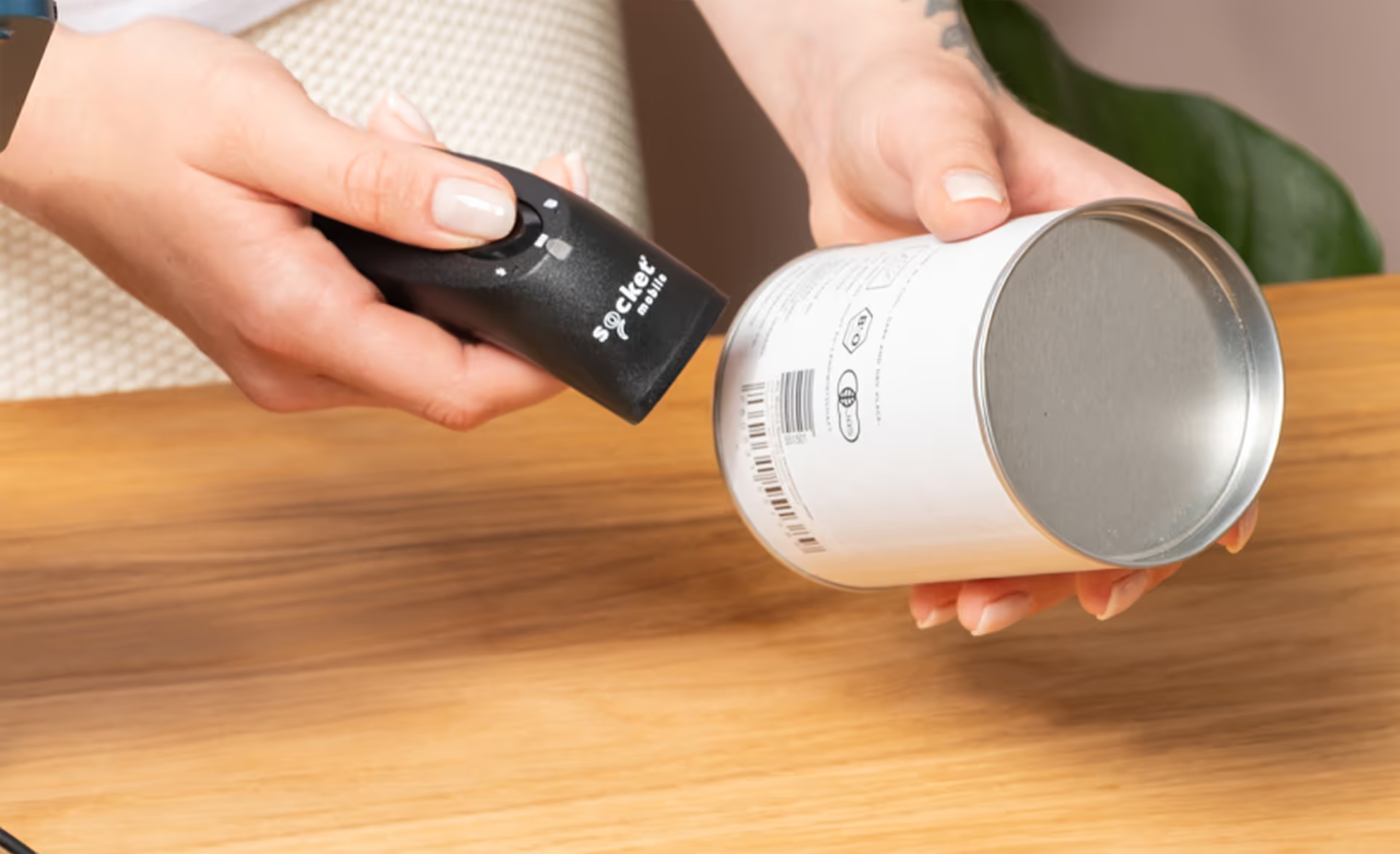
Scanners play an important role in Shopify POS, as they quickly and reliably capture barcodes and transfer them directly to the shopping cart. This speeds up the checkout process and ensures a smooth process, especially for stores with many products or high transaction volumes. Shopify POS supports both barcodes on printed labels and codes that are displayed on screens — ideal for digital tickets or mobile vouchers.
The recommended Shopify POS scanner: Socket Mobile S720
Shopify promotes the Socket Mobile S720 as the preferred and fully compatible barcode scanner. It has been specially optimized for use with Shopify POS, connects stably via Bluetooth and reads both 1D and 2D codes. Thanks to its integration with the POS app, it reacts particularly quickly to scans and is therefore ideal for use in retail.
HID scanners as a flexible alternative
In addition to the S720, the Shopify POS system can also all HID scanners be used. HID scanners work system-wide like a keyboard: They automatically “type” the read barcode into the input field. As a result, they are not only compatible with Shopify POS, but also with many other systems in the store.
One advantage of this variant is that existing scanners can be reused. At the same time, HID scanners are often cheaper without sacrificing functionality. This option is particularly suitable for stores that already own hardware or are looking for a cost-effective solution.
The receipt printer from Star Micronics
Issuing physical documents
For retailers who offer classic paper receipts, a receipt printer such as the Star Micronics X4 is used. It generates receipts for standard sales, returns or gift receipts and can be easily integrated into the POS system. Thanks to its compact format, it is suitable for various cash desks.
Connection issues with the Epson TM-m30iii receipt printer
Some Epson TM-M30III printers may fail to connect to Shopify POS due to new firmware security features. For this issue, there is a detailed step-by-step instructions from us, who explains how to check the RED security mode and connect the printer reliably again:
Shopify POS cash drawer
Safekeeping of cash in brick-and-mortar stores
In stores that pay in cash, a cash drawer is often used. It usually connects to the POS system via the receipt printer and opens automatically when a cash transaction is completed. The drawer adds the classic physical component to the digital checkout process and enables change to be stored securely.
Interaction of all Shopify POS components
A modular system for different requirements
Shopify POS hardware works as a modular system in which each component has a clearly defined task. Tablet or smartphone takes over control, the terminal handles payment processing, the printer outputs receipts, scanners support product recording and the smart grid connects everything to an intuitive interface. Together, they provide a checkout experience that can be displayed both digitally and analogously.
Createsome Recommends
Start securely into the Shopify POS system
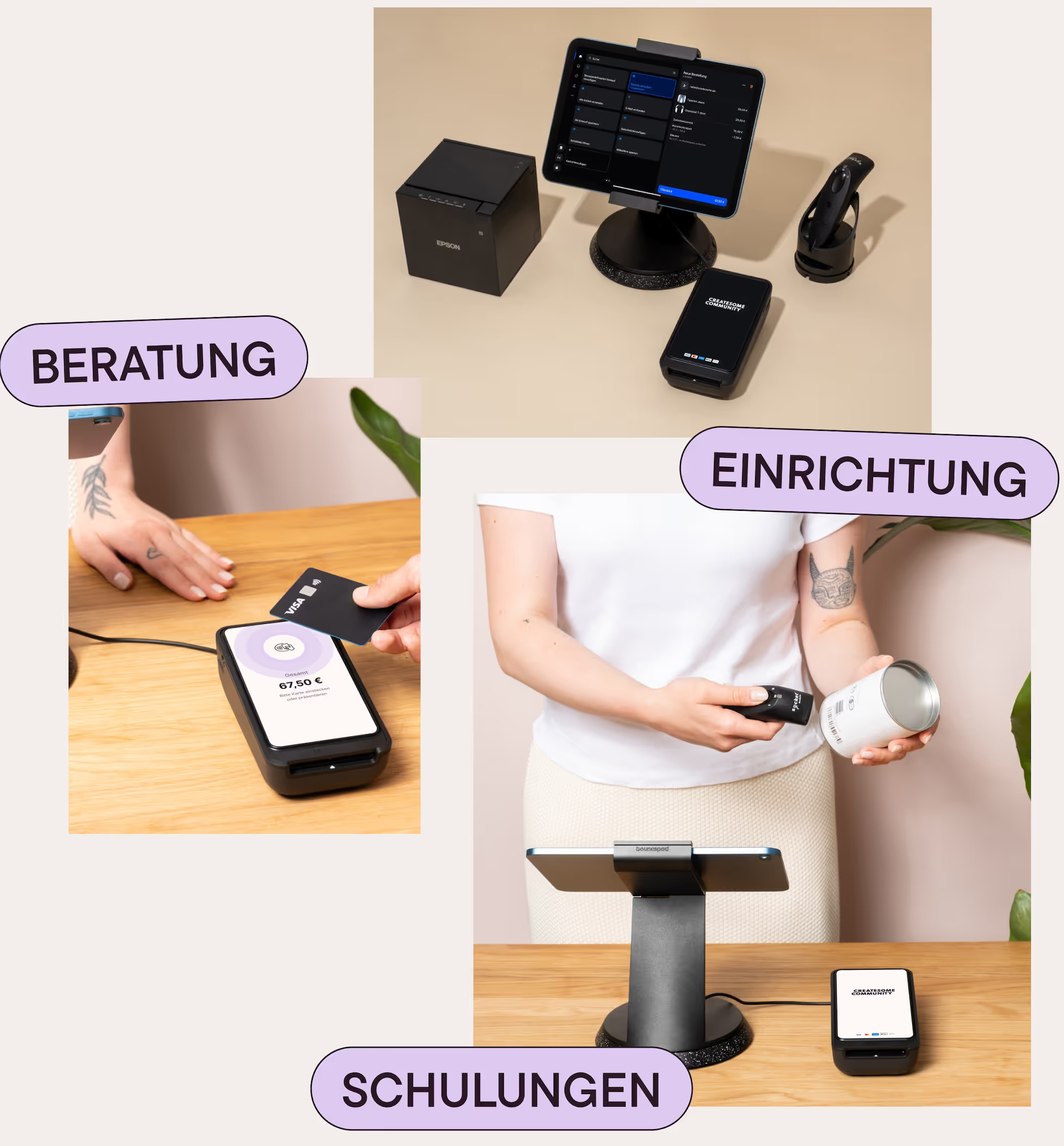
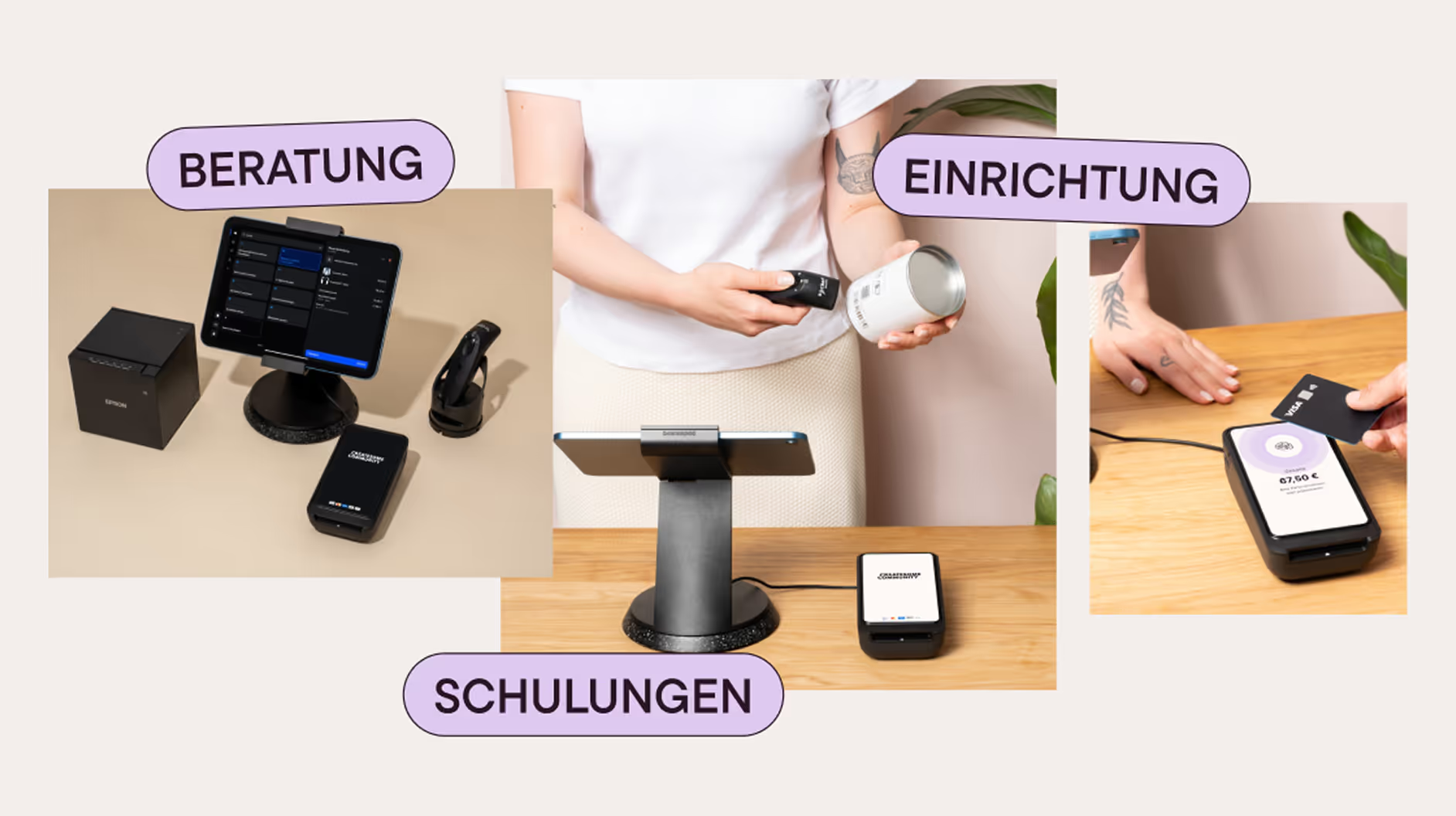
A successful POS system requires more than hardware. We help you with device selection, setup, data and system settings, and team training. That way, your POS runs smoothly right from the start — and we remain a reliable partner for your business even after the go-live.